Overcoming the Creator Bottleneck: How We Rebuilt Our Video Production Pipeline Around Automation
Learn how creators and marketing teams use AI Video Generator tools to automate video production workflows, reduce editing time, and scale content creation efficiently.
For independent content creators and small digital marketing teams, the demand for video content has never been higher. Platforms prioritize consistent, high-quality uploads, creating a relentless production cycle. However, the traditional video production pipeline—conceptualizing, scripting, filming, sourcing B-roll, editing, and rendering—is notoriously slow.
When you are managing everything yourself or working with a small team, this process quickly becomes a bottleneck. The pressure to publish consistently often leads to burnout or a drop in quality. To survive as a modern creator, the challenge is not just working harder, but restructuring how we work.
The Hard Math of Modern Video Production
The primary obstacle in content creation is time. According to the Wyzowl State of Video Marketing report, 30% of businesses that do not use video marketing cite a lack of time as their primary barrier. For those who do produce video, a significant portion of their week is spent on repetitive administrative tasks—such as hunting down stock footage, sync-matching audio, and cutting out silent pauses—rather than focusing on creative direction or strategy.
If a standard ten-minute video takes fifteen hours to produce, a solo creator or small team is structurally limited to one or two uploads per week. Scaling beyond that requires either hiring expensive editors or finding a way to automate the most time-consuming parts of the pipeline.
For many teams, the answer lies in shifting from a linear, manual editing workflow to an automated, modular system. By integrating dedicated automated tools, creators can offload the repetitive tasks that drain their creative energy.
Reimagining the Workflow: From Script to Rough Cut
The traditional workflow is linear: you write a script, record your voiceover or talking-head footage, and then spend hours digging through stock libraries to find visual assets that match your narration.
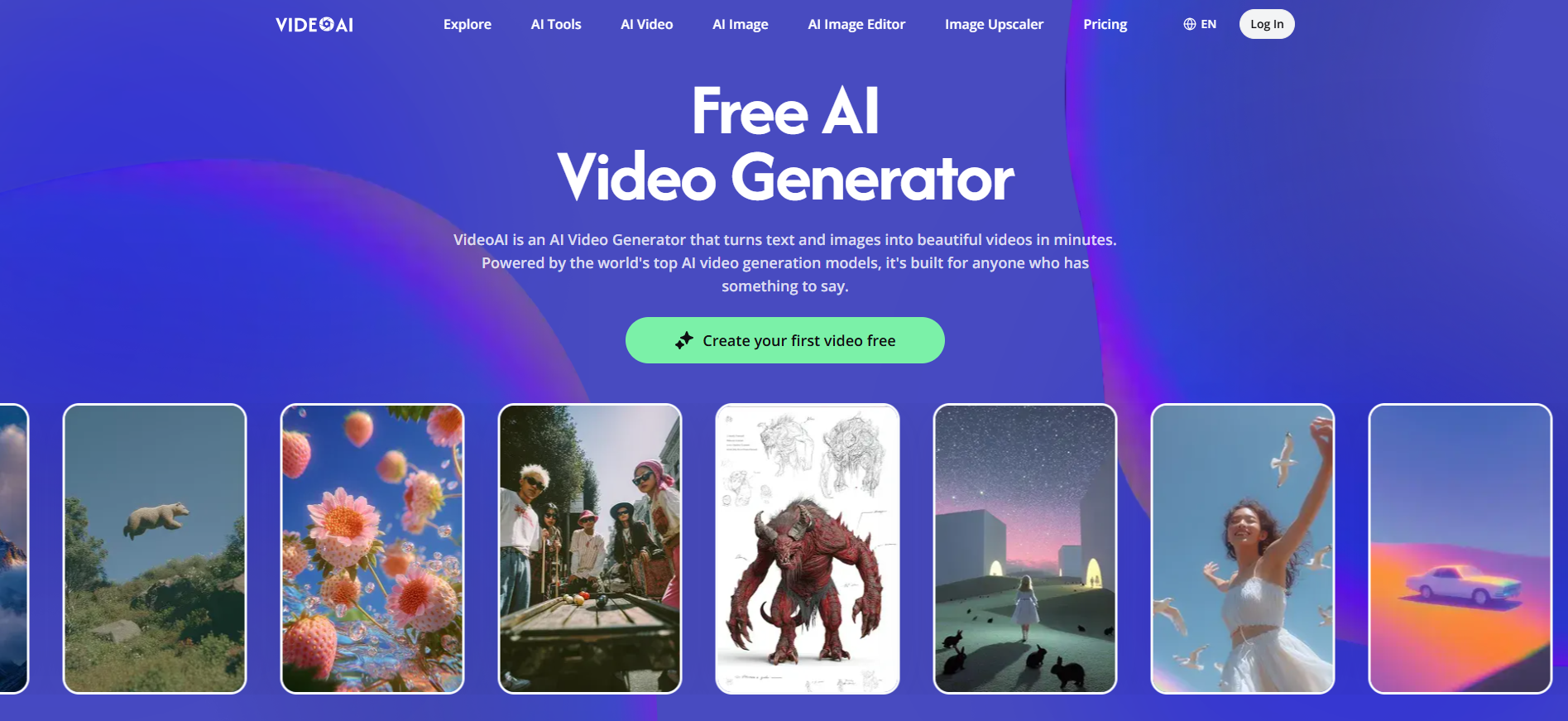
By reorganizing this pipeline around modern software, we can change how we approach visual asset generation. Instead of searching for pre-existing stock footage that only sort of fits the script, platforms like VideoAI allow creators to generate custom contextual visuals directly from text inputs.
Adopting a modern AI Video Generator is not about replacing the human element of storytelling; rather, it is about accelerating the transition from an abstract idea to a concrete rough cut. By generating draft sequences and custom visual assets in a unified workspace, creators can bypass the tedious search-and-assemble phase of traditional video editing.
Practical Integration: A Step-by-Step Transition
Transitioning to an automated workflow does not require discarding your existing editing tools. Instead, it involves using specialized platforms to handle the heavy lifting of asset generation and initial assembly, leaving the final polish to your primary editor.
Phase 1: Rapid Prototyping and Storyboarding
Before opening any editing software, the concept must be validated. Instead of writing a script in isolation and hoping you can find the visuals to match, you can use automated tools to storyboard in real-time. By inputting your outline or script into an automated system, you can immediately see a visual representation of how the narrative flows. This allows you to identify pacing issues or structural flaws before spending hours on actual production.
Phase 2: Generating B-Roll and Contextual Visuals
Sourcing relevant B-roll is one of the most tedious aspects of video editing. Traditional stock libraries often feel generic, and searching for specific niches can yield poor results.
Using dedicated video generation AI platforms helps bridge this gap. If your script discusses a highly specific technical concept or a unique historical event, you can generate illustrative clips that directly match your voiceover. This reduces the time spent browsing stock sites from hours to minutes, allowing you to maintain a consistent visual style across your entire video.
Phase 3: Assembly and Fine-Tuning
Once the raw visual assets and rough sequences are generated, they can be brought into a traditional timeline for final adjustments. This is where human creativity is most valuable:
Adjusting the pacing to build tension or humor.
Adding personalized color grading to match your brand's aesthetic.
Incorporating custom sound design and music cues to drive the narrative forward.
By using an AI Video Generator to handle the initial assembly of the rough cut, you save your mental energy for these high-impact creative decisions.
The Real-World Efficiency Gains
When we analyze the actual impact of integrating automation into a production pipeline, the results are measured in hours saved and reduced cognitive fatigue.
Production Phase | Traditional Workflow | Optimized Workflow (with VideoAI) | Time Saved |
Concept & Scripting | 2.5 Hours | 1.5 Hours (AI Assisted) | 1.0 Hour |
Visual Asset Sourcing | 4.0 Hours | 1.0 Hour (Automated Generation) | 3.0 Hours |
Initial Rough Cut Assembly | 5.0 Hours | 1.0 Hour (Platform Render) | 4.0 Hours |
Final Polishing & Sound | 3.5 Hours | 2.5 Hours (Human Focus) | 1.0 Hour |
Total Production Time | 15.0 Hours | 6.0 Hours | 9.0 Hours (60% reduction) |
This shift from a 15-hour production cycle to a 6-hour cycle fundamentally changes what a small team or solo creator can achieve. Relying on a reliable AI Video Generator allows us to focus our energy on writing better scripts and engaging more deeply with our audience, rather than getting stuck in the mechanics of asset sourcing and rendering.
Navigating the Limitations of Automated Creation
While automated video tools have advanced significantly, it is important to maintain a realistic perspective on their current capabilities. They are not a magic solution that outputs a finished masterpiece at the click of a button.
Some of the challenges creators may encounter include:
Visual Inconsistencies: Generative tools can occasionally produce slight variations in style or character design between clips. Creators must be strategic in how they transition between scenes to keep the visual language cohesive.
Loss of Nuance: Automated voiceovers or generated scripts can sometimes feel sterile or miss the subtle emotional cues that human performers naturally provide. For high-emotion content, human voice acting or on-camera presence remains essential.
The Homogenization Trap: Relying too heavily on default templates can make your content look similar to other automated videos on the market. Customization, unique editing style, and distinct human commentary are still necessary to stand out.
Choosing the right AI Video Generator means understanding these boundaries. The goal is to use automation to build a solid foundation, not to let the software do 100% of the creative thinking.
Designing a Sustainable Content Future
The landscape of online video will continue to evolve, and the pressure to produce high-quality, engaging content is unlikely to decrease. For creators who want to remain competitive without sacrificing their well-being, workflow optimization is no longer optional.
By integrating automated platforms like VideoAI into your production pipeline, you can offload repetitive manual tasks and reclaim your time. This hybrid approach—combining the speed of automated asset generation with the nuance of human editing—offers a sustainable path forward for modern digital storytelling.
🔥 Limited Time Deal
NewGet lifetime access to Postunreel with a one-time payment. Never pay again!
Your Go-To Solution for Stunning Carousels using AI!
Postunreel is a free AI carousel generator tool that helps you design captivating carousel posts for LinkedIn, Instagram, and other platforms. It makes it easier to increase social media engagement and grow your audience.
Create Free Carousel Now 🚀Related Blogs
URL Encoder and Decoder SpellMistake: Fix Broken Links and Encoding Errors (2026 Guide)
Learn how a URL encoder and decoder fixes broken links, %20 errors and double encoding. Follow the step by step guide, then try SpellMistake today.
SQL Server Management Studio (SSMS): The 2026 Guide
Learn what SQL Server Management Studio is, what's new in SSMS 22, and how to install it step by step. Free download, system requirements, and FAQs.
GBP/JPY Forecast: What Recent Yen Gains Mean for the Market
Explore the latest GBP/JPY forecast as yen strength, Bank of Japan policy expectations, UK economic conditions, interest rates, and global market confidence shape the currency pair’s outlook.