Free AI Video Maker: 5 Tools That Actually Work in 2026
Free AI video maker guide: real daily credits, watermark rules and clip limits for Google Flow, Kling, Pika and more. Pick the right tool fast.

The best free AI video maker right now is Google Flow, which gives you 50 free credits every day. Every free tool still adds a watermark and caps clips at roughly 4 to 8 seconds. If you need clean, client ready footage, you will need a low cost paid plan.
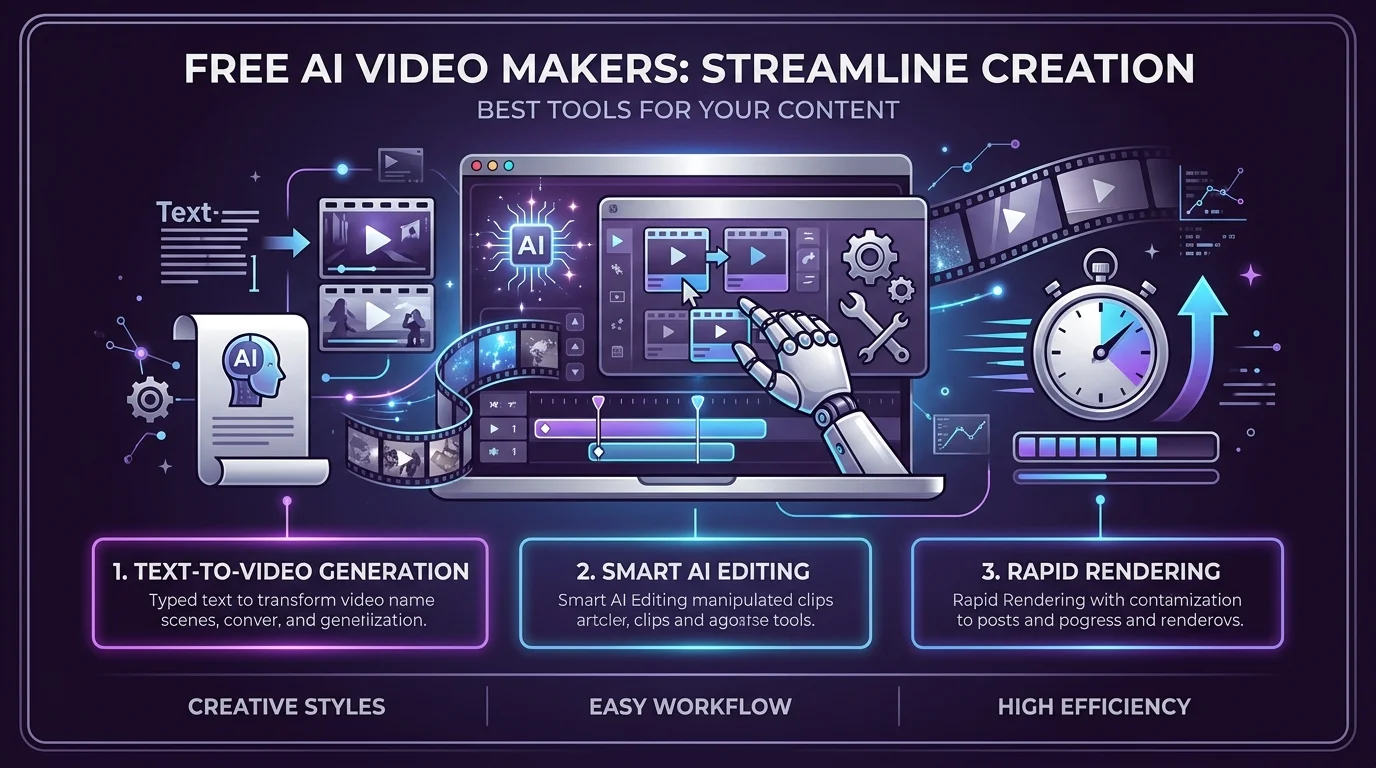
What Does "Free" Really Mean for an AI Video Maker?
Let me be straight with you. "Free" almost never means unlimited.
Every free AI video generator limits at least one thing: credits, clip length, resolution, or watermarks. Invideo's breakdown of free text to video tools makes the same point.
So here is the real question. Can you test ideas for free? Yes. Can you finish a client project for free? Almost never.
Once you accept that, you can choose smarter and stop burning credits on weak prompts.
Free AI Video Makers Compared (October 2026)
Before the details, here is your cheat sheet. The numbers come from Krea's August 2026 comparison, which links each vendor's own pricing pages. Free allowances change often, so check the vendor page before you commit.
Tool | Free allowance | Max free clip | Watermark |
|---|---|---|---|
Google Flow (Veo 3.1) | 50 credits per day, about 5 Lite clips | About 8 seconds | Yes |
Kling | 66 credits per day, about 6 clips | 5 seconds | Yes |
Hailuo | A few clips per day | 6 seconds | Yes |
Pika | 80 credits per month | Short, 480p | Yes |
Krea | 100 image units per day, no video | Not applicable | Not on paid renders |
The pattern is clear. Free video exports on these tools carry a visible watermark, and none of the daily credits roll over.
The 5 Best Free AI Video Makers
Here is how I ranked them. I did not go by hype. I went by what you actually receive without opening your wallet, based on vendor pages and published comparisons.
Read the "catch" line on each one. That is where most people get burned.
1. Google Flow: Best Free Quality
Flow gives you 50 daily credits. A Veo 3.1 Lite clip costs 10 credits, so you get about five clips with native audio each day, according to Google's own credits page.
The catch? Veo 3.1 Fast costs 20 credits, which means only two clips. The Quality model costs 100 credits, so free users cannot reach it. Unused credits also vanish at reset.
Want the full walkthrough? My Google Veo guide covers prompts and settings.
2. Kling: Most Clips Per Day
Kling refreshes about 66 credits daily, which is roughly six standard text to video AI clips. Nobody else on this list gives you more attempts per day.
The catch? You get a visible watermark, 5 second clips, and no commercial use on the free plan.
3. Hailuo: Best for Image to Video
Got a still image you want to move? Hailuo is the fastest route. Upload a frame, describe the motion, and you get a 6 second clip.
The catch? MiniMax changes the allowance often and publishes it only inside the app.
4. Pika: Best for Casual Clips
Pika's pricing page lists a free plan with 80 monthly credits at 480p. That suits occasional fun clips, not a content pipeline.
The catch? Credits do not roll over, and the free plan excludes commercial use.
5. Dreamina: Best for Daily Experiments
Dreamina advertises free daily credits for text to video and image to video in one workspace. That is a vendor claim, so confirm the current limits before relying on it.
How to Make Your First Free AI Video (Step by Step)
You do not need editing skills for any of this. You just need a plan.
Follow these steps in order, and you will waste fewer credits.
Write one clear idea. One subject, one action. Skip multi scene prompts.
Name the camera move. Try "slow push in" or "drone pull back." Veo follows stated moves better than adjectives.
Add sound cues. Veo generates audio, so mention wind, waves, or music.
Generate, then review. Do not regenerate straight away. Study what went wrong first.
Edit and caption. Finish in a free editor. Here is my list of the best video editing software.
Need ideas for vertical clips? See best AI tools for short form videos.
What Happened to Free Sora?
You have probably searched for it. Most people do.
OpenAI announced Sora's shutdown on March 24, 2026, as Engadget reported. The app closed on April 26, and the API was scheduled to close on September 24, 2026.
So if a site promises "free Sora" today, walk away.
Want the background? Read my older Sora guide for context on what it offered.
When Should You Upgrade From a Free AI Video Maker?
Free is great for testing. It is terrible for deadlines.
Here is my honest take. If a watermark would embarrass you, or a client is waiting, upgrade.
Paid entry points are cheaper than most people expect. Google AI Plus runs about $4.99 per month for 200 extra Flow credits, based on that site's published breakdown. Krea says its Basic plan starts at $5.25 per month billed yearly, with no watermark on renders and a commercial license.
Need a talking presenter instead of cinematic clips? Read my HeyGen review. Making ads? See AI video generators for ad creation.
Think about it this way. One paid month often costs less than one wasted afternoon of retries.
Free AI Video Maker FAQs
Is there a completely free AI video maker with no watermark? Not for generated clips. Free exports on the major tools are watermarked, and clean exports usually need a paid plan.
How long are free AI video clips? Usually 4 to 8 seconds. Resolution often tops out between 480p and 720p.
Can I use free AI videos commercially? Usually not. Kling, Hailuo and Pika restrict commercial use on free plans, so read each vendor's terms.
Is Sora free in 2026? No. The consumer app shut down on April 26, 2026.
How big is the AI video market? One estimate projects growth from USD 847 million in 2026 to USD 3.35 billion by 2034.
Final Thoughts
You now know what a free AI video maker really gives you. Start with Google Flow, use Kling when you need volume, and upgrade the moment a watermark costs you credibility.
Pick one tool. Make one clip today. Then decide.
About the Author

Nathan Cole
Nathan Cole is a SaaS writer and AI product reviewer at Postunreel with a sharp focus on evaluating AI-powered tools for content creators, marketers, and growing businesses. He holds a degree in Computer Science and brings over five years of experience writing about software products, productivity tools, and marketing technology. Nathan approaches every review with rigorous hands-on testing, clear comparison frameworks, and an honest perspective that cuts through marketing hype. His goal is to help Postunreel readers make smarter decisions about the tools they invest in so they can build better content workflows without wasting time or money.
🔥 Limited Time Deal
NewGet lifetime access to Postunreel with a one-time payment. Never pay again!
Your Go-To Solution for Stunning Carousels using AI!
Postunreel is a free AI carousel generator tool that helps you design captivating carousel posts for LinkedIn, Instagram, and other platforms. It makes it easier to increase social media engagement and grow your audience.
Create Free Carousel Now 🚀Related Blogs
The Modern Business Survival Guide: Preparing for the Problems You Can Not Predict
Learn how to build business resilience with practical strategies for managing unexpected problems, protecting communication, diversifying revenue, and preparing your team for disruptions.
How to Change Instagram Story Background Color
See how to change Instagram story background color on iPhone and Android. Try 4 easy, free methods: solid fills, gradients and color tints.