The Hidden Productivity Tools Every Social Media Manager Should Be Using
Discover the best productivity tools for social media managers to streamline content planning, reporting, video editing, automation, and daily admin work.
If you're managing social media, chances are your day looks very different from what most people imagine.
Sure, you're creating content, scheduling posts, and tracking performance. But you're probably also reviewing documents, chasing approvals, editing videos, organizing assets, responding to feedback, joining client calls, building reports, and trying to keep multiple campaigns moving at once.
The reality is that social media management involves a lot more than social media platforms.
That's why some of the biggest productivity gains don't come from another scheduling tool. They come from the tools that help you work faster behind the scenes.
Whether you're managing accounts for clients, working as part of an in-house marketing team, or running your own agency, the following tools can help you save time, stay organized, and spend less of your day on repetitive admin work.
1. Do more with your documents using Smallpdf
Content doesn't always arrive in the format you need. One client sends a report as a Word document, another shares feedback in a PDF, and a freelancer delivers a draft in RTF format.
Before long, you're spending valuable time converting files, combining documents, or trying to make small edits before something can be shared with a client or stakeholder.
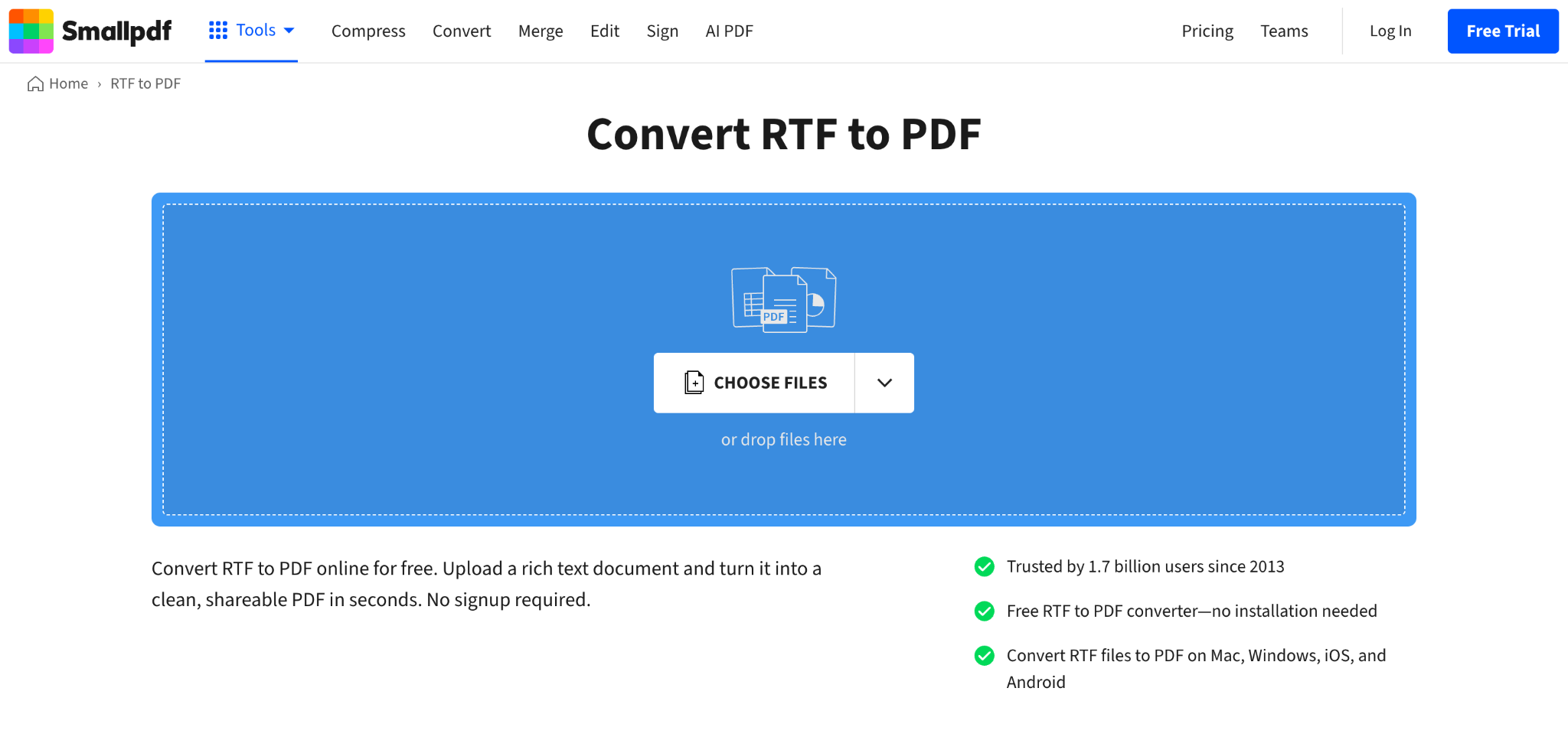
Smallpdf helps simplify those everyday document tasks. You can switch files between formats, whether you need to convert RTF to PDF, merge multiple documents into a single file, compress large presentations before sending them, or collect signatures when approvals are needed.
These aren't the most exciting parts of social media management, but they're often the tasks that interrupt your day and slow projects down. Having one tool that handles them quickly means less time dealing with file formats and more time focusing on campaigns and content.
Best for: Managing documents, reports, and approvals
2. Turn existing ideas into structured social content with PostUnreel
Repurposing content often breaks down at the formatting stage. You might know what you want to say, but turning that into a clear, structured social media post takes time.

It’s easy to know what you want to say, but turning it into a clear social media post takes time. Ideas need to be broken down, reorganised, and rewritten so they work in a scrollable format. And when you’re managing multiple accounts or content calendars, that extra step quickly adds up.
PostUnreel helps bridge that gap by turning raw ideas and long-form content into structured social post formats, including carousels. Instead of starting from a blank page, you get a draft structure you can refine, adjust, and adapt for different platforms.
That structure is often the hardest part of the process. Once it’s in place, it becomes much easier to focus on messaging, tone, and creative refinement rather than spending time figuring out how to organise the content in the first place.
It works best when you already have material to build from, and you want to move from idea to publishable content without getting stuck in formatting or rewriting loops.
Best for: Structured social content creation and repurposing
3. Bring your content plans, briefs, and tasks together with Notion
Every social media manager has a system for staying organized. The problem is that content ideas, campaign plans, client feedback, approval notes, meeting summaries, and publishing schedules often end up scattered across multiple tools.
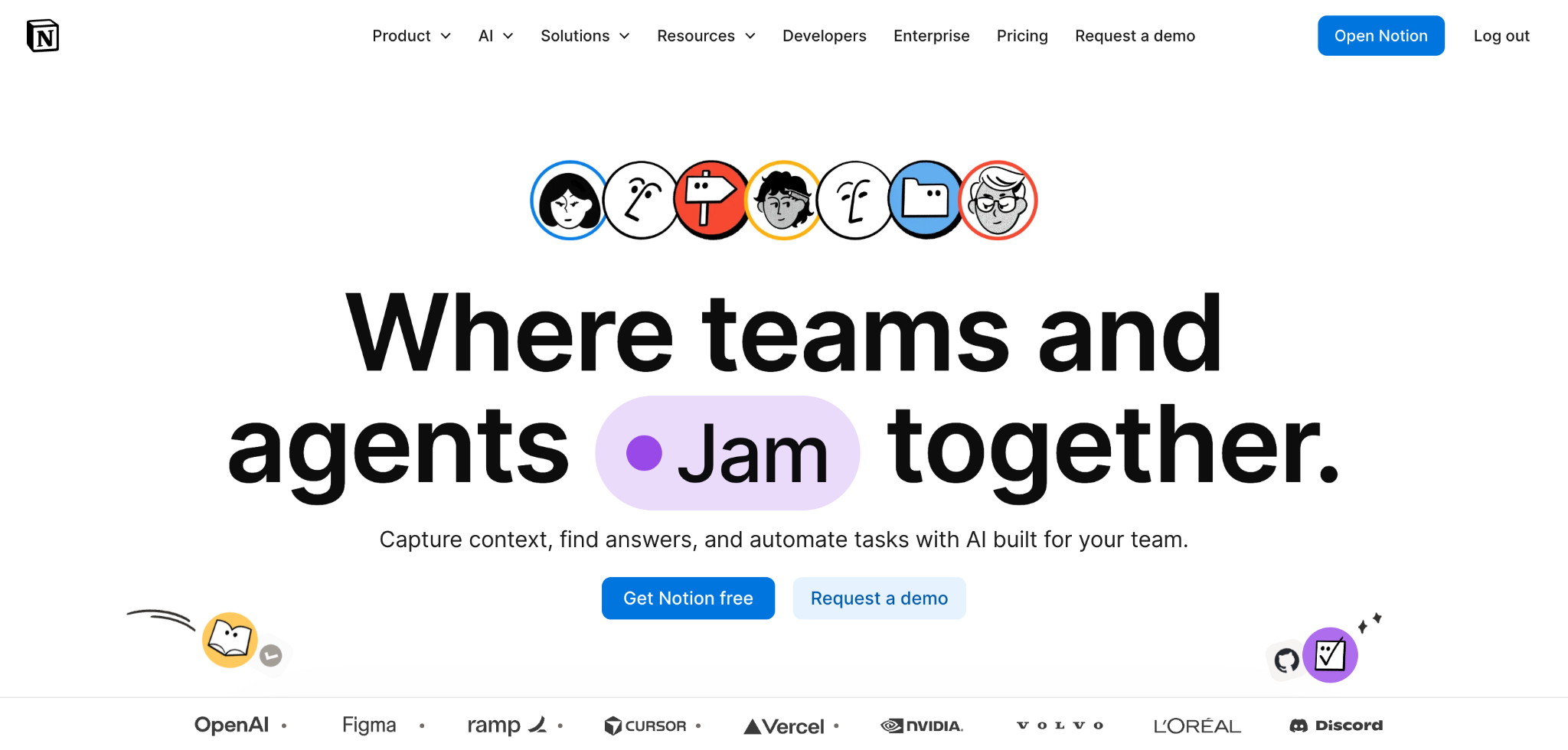
Notion gives you a central place to keep everything connected. You can build content calendars, track campaigns, store creative briefs, document brand guidelines, manage task lists, and keep meeting notes alongside the work they relate to.
What makes Notion particularly useful is its flexibility. Some teams use it as a simple content planner, while others build entire marketing operations around it. As your workflow grows, the platform can grow with it.
Instead of hunting through spreadsheets, documents, and chat threads to find information, you can keep the details of each campaign organized and easy to access.
Best for: Content planning and project organization
4. Use Grammarly to catch mistakes before your audience does
Even the most experienced social media managers make mistakes when they're working at speed.
When you're juggling content calendars, client requests, approvals, community management, and reporting, it's easy for a typo, awkward phrase, or missing word to slip through unnoticed. Most errors aren't catastrophic, but they can affect how professional a brand appears.
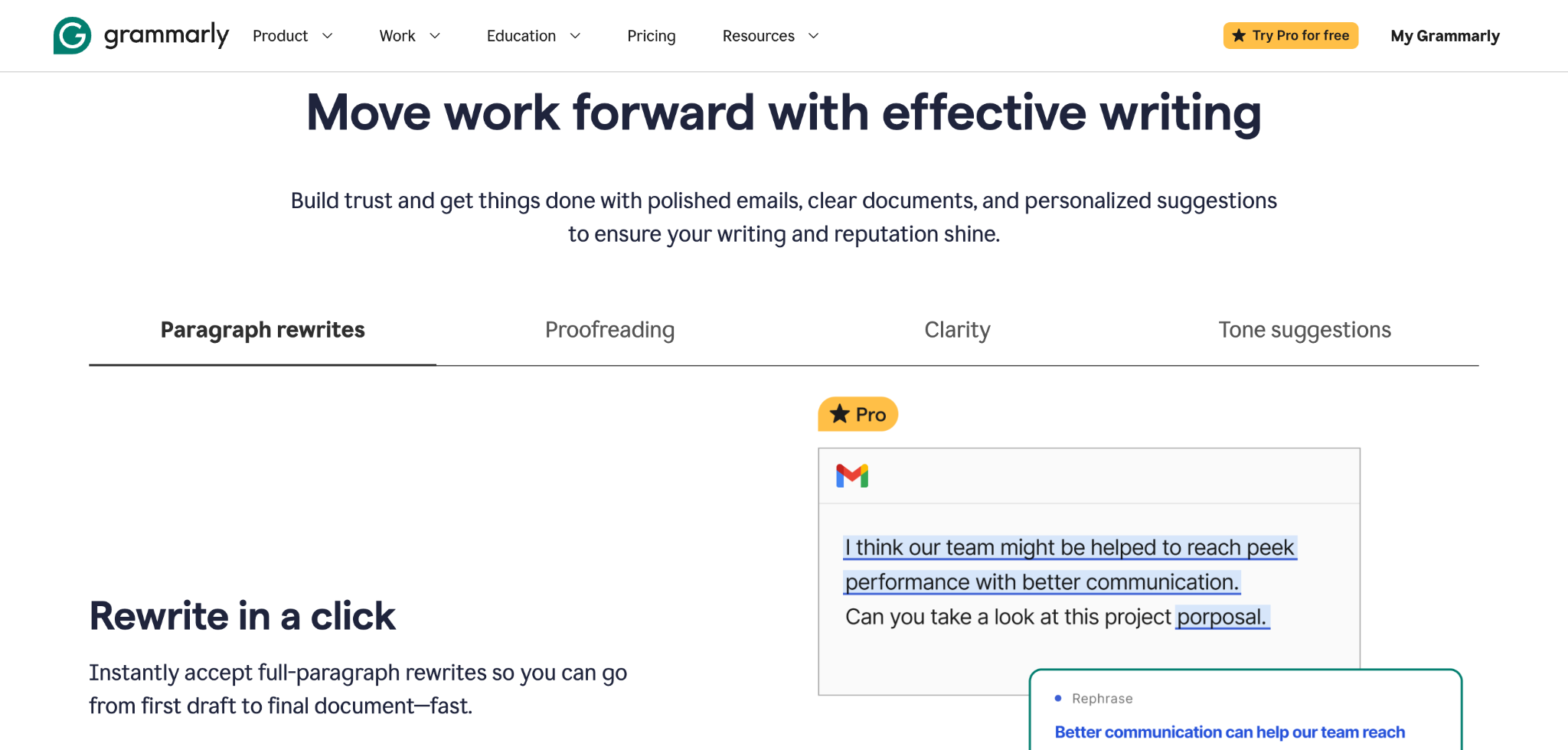
Grammarly provides an extra layer of quality control across your daily communications. Whether you're writing captions, responding to comments, drafting client emails, preparing proposals, or creating campaign copy, it helps identify spelling, grammar, punctuation, and clarity issues before they reach your audience.
Think of it as a final review before you hit publish or send. When you're producing large volumes of content every week, that extra set of eyes can help you maintain consistency and confidence in everything you write.
Best for: Proofreading and writing support
5. Get reporting done in a fraction of the time with Metricool
When you're managing multiple accounts, gathering performance data can quickly turn into a repetitive process of logging into different platforms, pulling metrics, taking screenshots, and piecing everything together into a report that clients or stakeholders can actually understand.
Metricool brings much of that information into a single dashboard, making it easier to track engagement, audience growth, reach, content performance, and campaign results across channels. Instead of jumping between platforms, you can spend more time analyzing what the numbers mean and less time collecting them.
It's particularly useful when reporting is a regular part of your role. The faster you can gather and organize data, the more time you have to focus on strategy, content improvements, and future campaigns.
Best for: Social media analytics and reporting
6. Edit videos faster with Descript
Short-form video has become a core part of many social media strategies, but creating it consistently can be challenging when editing takes longer than expected.
Descript takes a different approach to video editing. Instead of spending most of your time working on a timeline, you can edit the transcript as if you're editing a document. Remove a sentence from the text, and the corresponding section is removed from the video automatically.
This makes it much easier to trim recordings, remove mistakes, add captions, create clips, and repurpose longer content for different platforms. Whether you're working with interviews, webinars, podcasts, or talking-head videos, the editing process feels far more accessible.
For social media managers producing content across multiple channels, that efficiency can help turn video from a bottleneck into a much more manageable part of the workflow.
Best for: Video editing and content repurposing
7. Let Zapier handle the repetitive work
There are plenty of small administrative jobs that quietly eat away at your day. Updating spreadsheets, creating tasks after content approvals, saving form submissions, sending notifications, or moving files between different tools.
Zapier helps automate those processes by connecting the apps you already use. Once a workflow is set up, actions can happen automatically in the background without requiring manual input every time.
The real benefit isn't just saving a few minutes here and there. It's removing repetitive tasks that interrupt your focus throughout the day. Instead of constantly switching between tools to complete routine actions, you can spend more time on strategy, content creation, and community engagement.
Many of the most effective productivity improvements happen behind the scenes, and Zapier is a good example of a tool that helps work flow more smoothly without adding complexity.
Best for: Workflow automation
8. Use Raindrop.io to save and organise content ideas without losing them in browser chaos
Content inspiration rarely arrives when you’re ready for it. It shows up while you’re scrolling, researching, or reviewing something completely unrelated and then disappears into a pile of forgotten tabs or bookmarks.
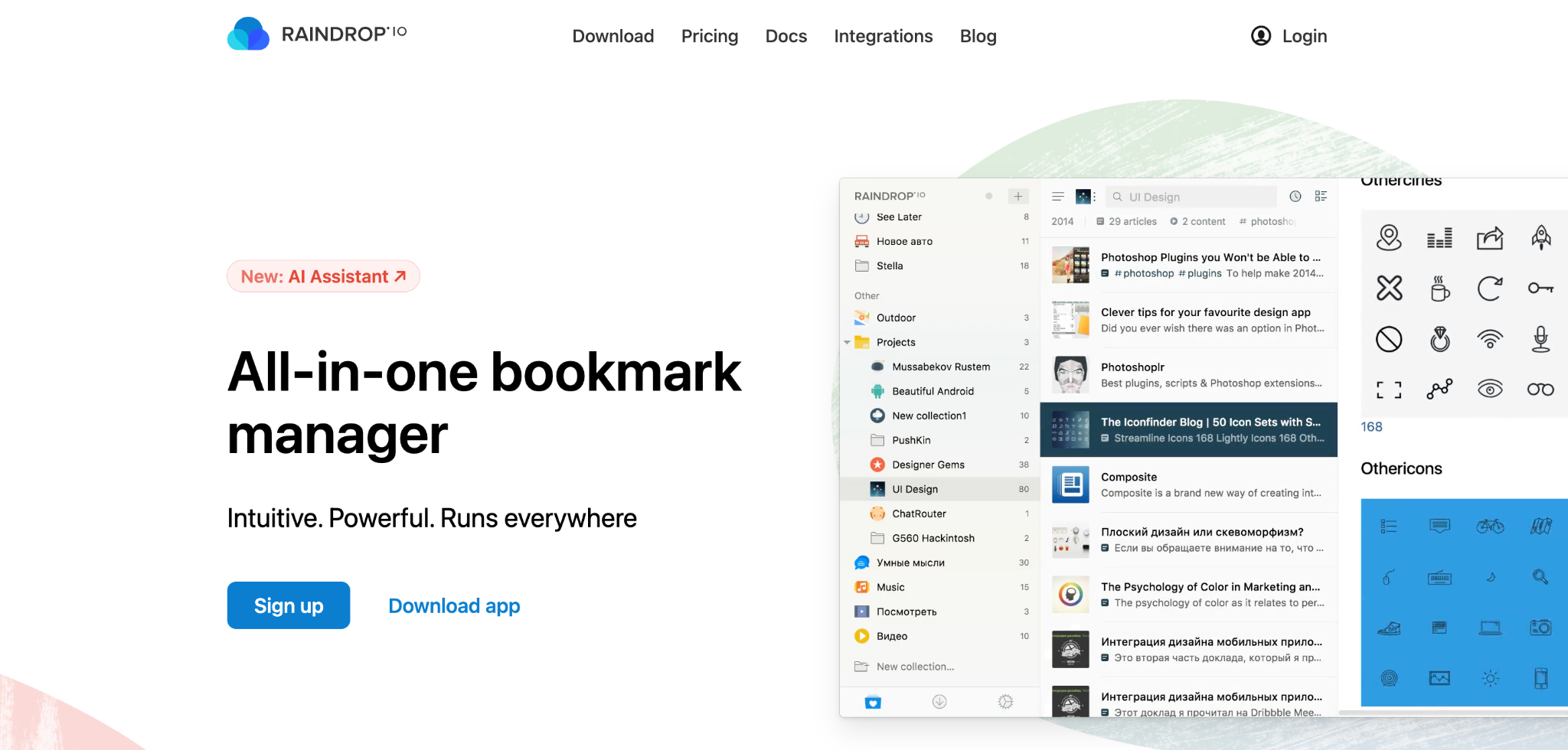
Raindrop.io gives you a visual bookmarking system where you can save articles, links, videos, and resources into neatly organised collections. Unlike basic browser bookmarks, everything is searchable, taggable, and easy to revisit when you’re planning content or researching ideas.
You can also group inspiration by client, campaign, or theme, which makes it especially useful for social media managers juggling multiple accounts and content directions. Instead of losing good ideas in browser history, you build a structured, reusable inspiration library.
Best for: Content research and inspiration management
Which Productivity Tools Are Worth Adding to Your Workflow?
The most productive social media marketers aren't necessarily the ones using the most tools. They're usually the ones using the right tools for the right tasks.
A stronger workflow often comes from removing friction in the places where you lose the most time. That could be organizing content, gathering approvals, editing videos, creating reports, managing documents, or automating repetitive tasks.
If you find yourself spending hours every week on administrative work rather than strategy and content creation, even one or two of these tools could make a noticeable difference. The goal isn't to add complexity to your workflow. It's to free up more time for the work that actually moves your social media efforts forward.
Author:
Tammi Saayman is a content strategist, writer, and editor focused on SEO and link-building for SaaS and B2B brands. She leads the off-page content team at Skale, where she helps create valuable, search-optimized articles that support organic growth.

🔥 Limited Time Deal
NewGet lifetime access to Postunreel with a one-time payment. Never pay again!
Your Go-To Solution for Stunning Carousels using AI!
Postunreel is a free AI carousel generator tool that helps you design captivating carousel posts for LinkedIn, Instagram, and other platforms. It makes it easier to increase social media engagement and grow your audience.
Create Free Carousel Now 🚀Related Blogs
How to Resize an Image on iPhone (2026 Guide)
Resize an Image on iPhone in seconds. Free built in methods, exact pixel dimensions & platform sizes for Instagram, LinkedIn & more.
How to Exit Incognito Mode on iPhone (2026 Guide)
Learn how to exit incognito mode on iPhone in seconds step-by-step for Safari and Chrome, plus fixes for common private browsing glitches.
What is an Email Address? Full Structure Guide
What is an email address? Learn its structure, how it works, and how to validate one clear, no-jargon guide with examples.