Best 5 Tools to Schedule, Design & Optimize Carousel Posts
Discover the best tools to create, schedule, and optimize carousel posts across Instagram, LinkedIn, and TikTok. Find the right stack for your content team
Why carousel posts have become the highest-leverage content format on social media, and which tools actually make producing them sustainable
Carousel posts have quietly become one of the most strategically valuable formats in social media. They may not be as flashy as short-form video or as simple as a single image, but they offer unmatched depth for storytelling and consistently perform well across platforms like Instagram, LinkedIn, and TikTok. For content teams, they’re no longer optional experiments; they’re a powerful asset.
The reason is simple: swiping creates a small but meaningful commitment from the viewer. Unlike passive scrolling, this interaction increases attention, leading to higher save rates, longer time spent on posts, and more shares. Carousels naturally reward curiosity, and in turn, algorithms reward them.
The challenge, however, is production effort. Creating a strong carousel means building a cohesive multi-slide narrative with consistent design and messaging, followed by scheduling and tracking its performance. This is where the right tools make a difference, helping streamline design, publishing, and optimization so teams can produce high-quality carousels more consistently.
Social Champ: The All-In-One Engine for Carousel Posts at Scale
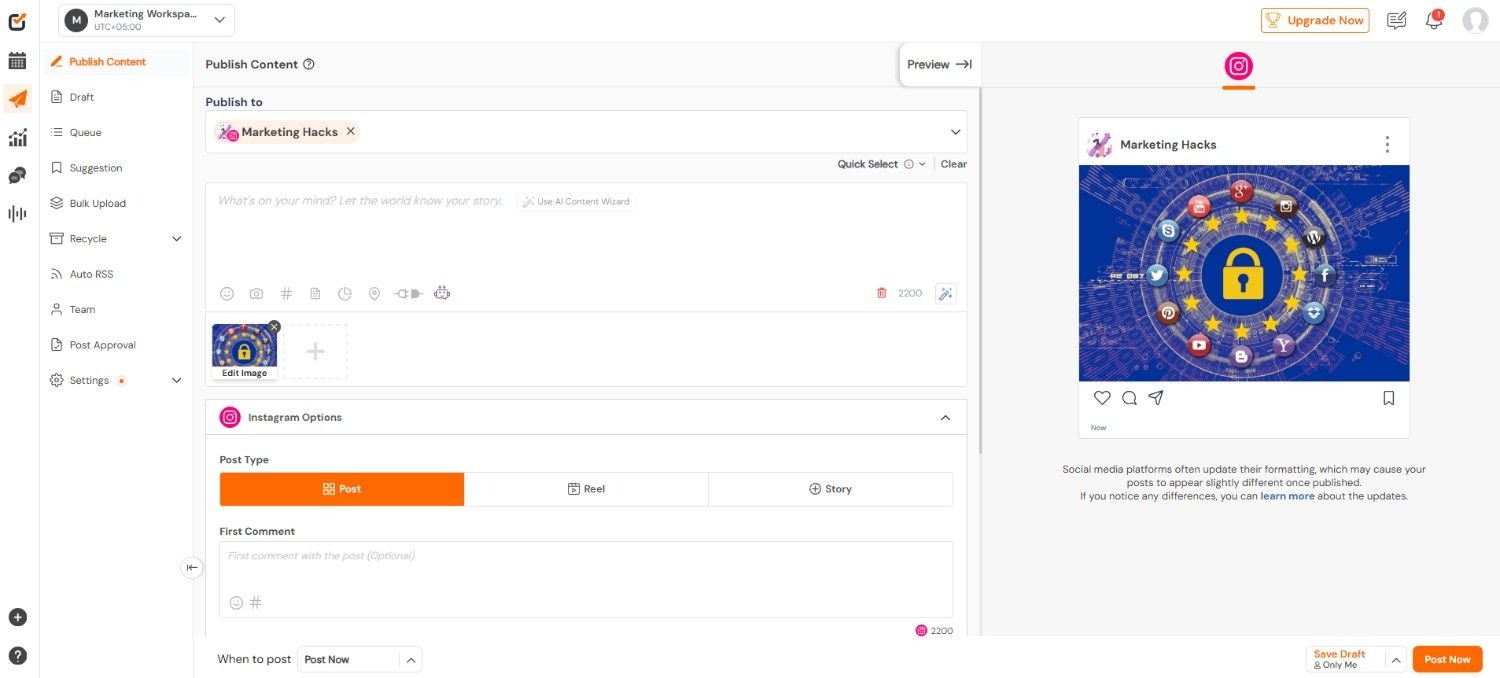
Social Champ earns the top position here not because it does one thing brilliantly, but because it addresses the full carousel workflow, creation, scheduling, and optimization, without forcing teams to stitch together a fragmented stack of disconnected tools.
For design, Social Champ's built-in Canva integration lets you create carousel slides directly within the platform. You’re not exporting from one tool, importing into another, and hoping the formatting survives the journey. The entire design process, from selecting templates to customizing brand colors and typography across multiple slides, happens inside the same environment where you will schedule and publish. For teams that have felt the pain of multi-tool workflows, this integration alone removes a meaningful layer of daily friction.
The AI Content Wizard handles the copywriting dimension that slows down carousel production almost as much as design does. It generates captions tailored to your specific brand voice — not generic, one-size-fits-all copy, but text that reflects the tone and personality your audience already recognizes.
For teams publishing carousel posts across multiple platforms where caption style needs to shift between, say, LinkedIn's professional register and Instagram's conversational tone, this brand-voice calibration is genuinely valuable.
Then there is the AI Imaginator, which generates custom visuals on demand. Need a background graphic for slide three that matches your brand palette? Need a visual metaphor for an abstract concept in your carousel narrative? The AI Imaginator produces these assets without requiring a designer's time or a stock photo subscription.
Beyond creation, Social Champ's scheduling and analytics infrastructure supports the kind of consistent publishing cadence that carousel success demands, because a single brilliant carousel post matters far less than a sustained rhythm of good ones.
For teams evaluating their broader social media management setup, Social Champ also stands out as one of the strongest Hootsuite alternatives available, particularly for visual-first content strategies where carousel posts are a core format rather than an afterthought.
Postunreel: Content-First Carousel Strategy With Built-In Pipeline Visibility
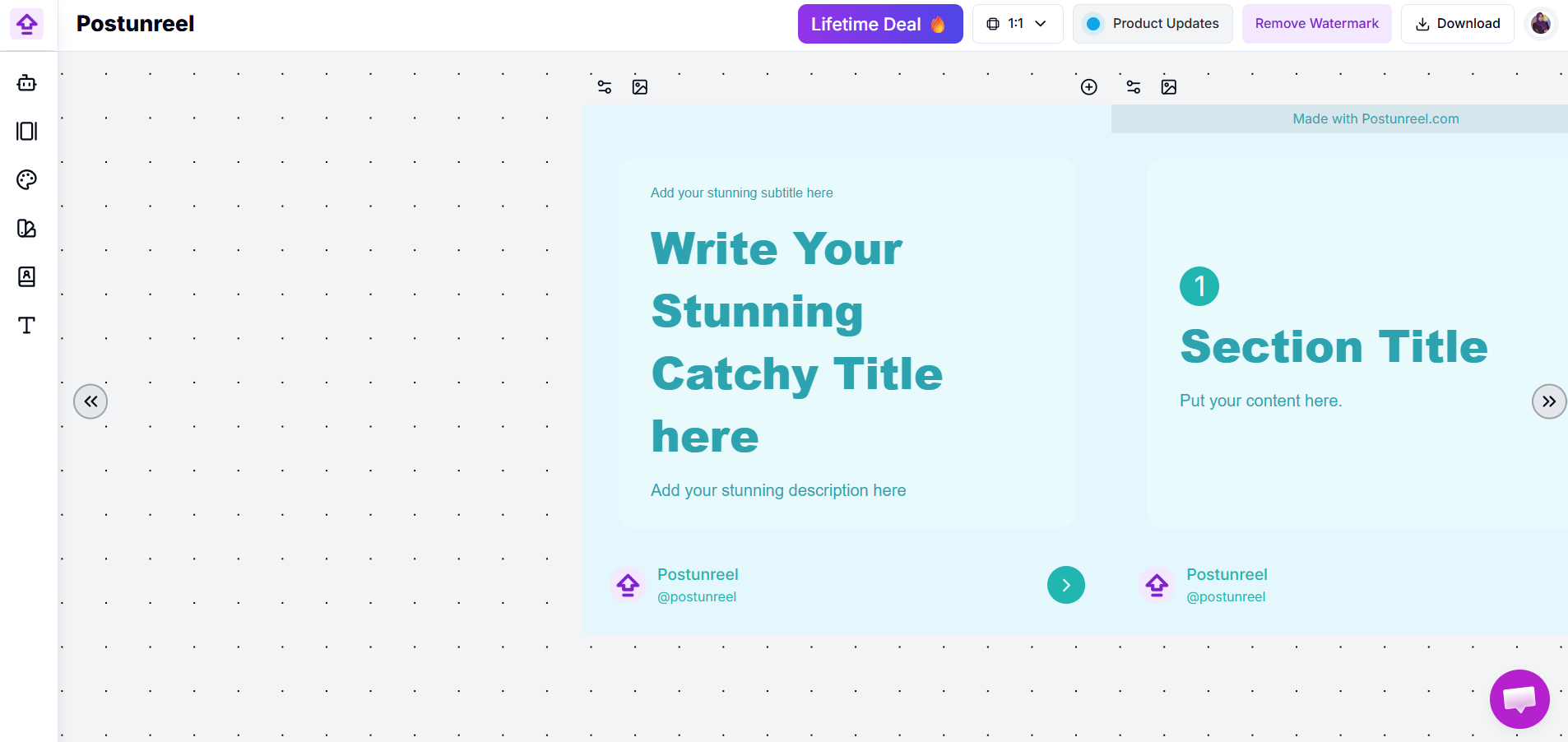
Where most tools approach carousel posts from the design or scheduling side, Postunreel starts from a different premise: great carousel posts begin with a great content strategy.
Postunreel's strength lies in treating carousel posts as part of a larger content ecosystem rather than isolated visual assets. The platform provides shared pipeline visibility — every team member can see what's planned, what's in progress, and what's scheduled — which prevents the fragmentation that plagues teams managing carousel production across multiple people and platforms.
This matters because individual carousels looking good isn't enough. They need to tell a consistent brand story across weeks and months, building on each other rather than existing as disconnected one-offs. Postunreel's pipeline infrastructure gives teams that bird's-eye view of their carousel content arc alongside their broader strategy.
The scheduling layer handles distribution with cross-platform awareness — managing variations in slide count, aspect ratio, and text density within a unified content pipeline so coordination overhead doesn't eat into creative time.
Best suited for: Content teams and creators who think strategically about their carousel posts as part of a broader content narrative, not just individual design projects.
Canva: The Design Foundation That Raised the Floor
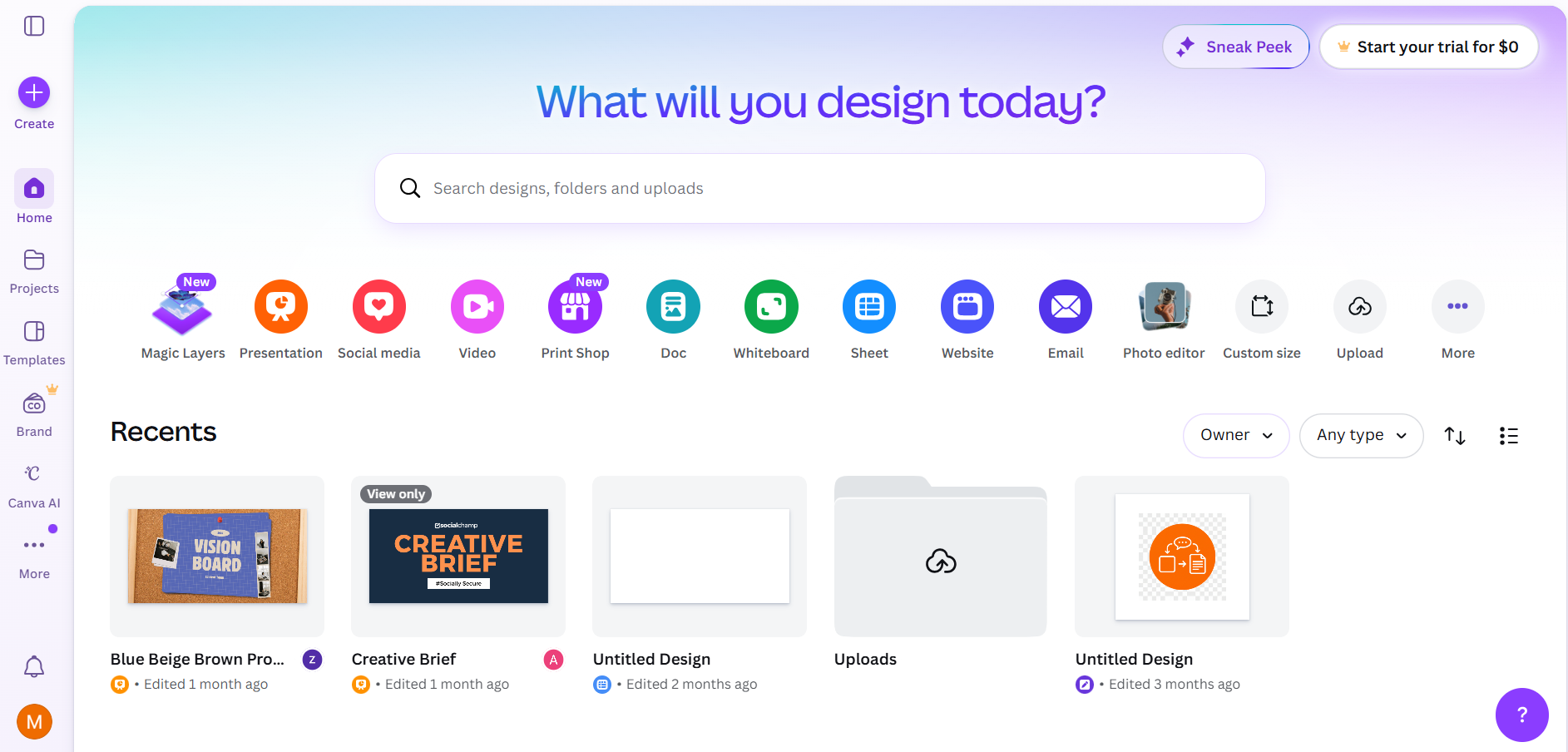
Canva's contribution to carousel content is foundational. Before Canva, producing a multi-slide carousel with consistent branding and professional typography required genuine design skill or access to a designer. Canva didn't eliminate the value of professional design, but it democratized the ability to produce carousel posts that look intentional rather than improvised.
What makes Canva particularly effective for carousel posts is its multi-page template workflow. You select a carousel template, customize it to your brand, and extend it across as many slides as your narrative requires. Canva's brand kit functionality ensures that fonts, colors, and logos stay consistent even when multiple team members are producing carousels independently.
The limitation: Canva is a design tool, not a scheduling or analytics platform. It produces beautiful assets but doesn't handle distribution or performance tracking. The teams that get the most from Canva are those that pair it with a dedicated scheduling tool.
Later: Visual Planning That Respects Feed Aesthetics
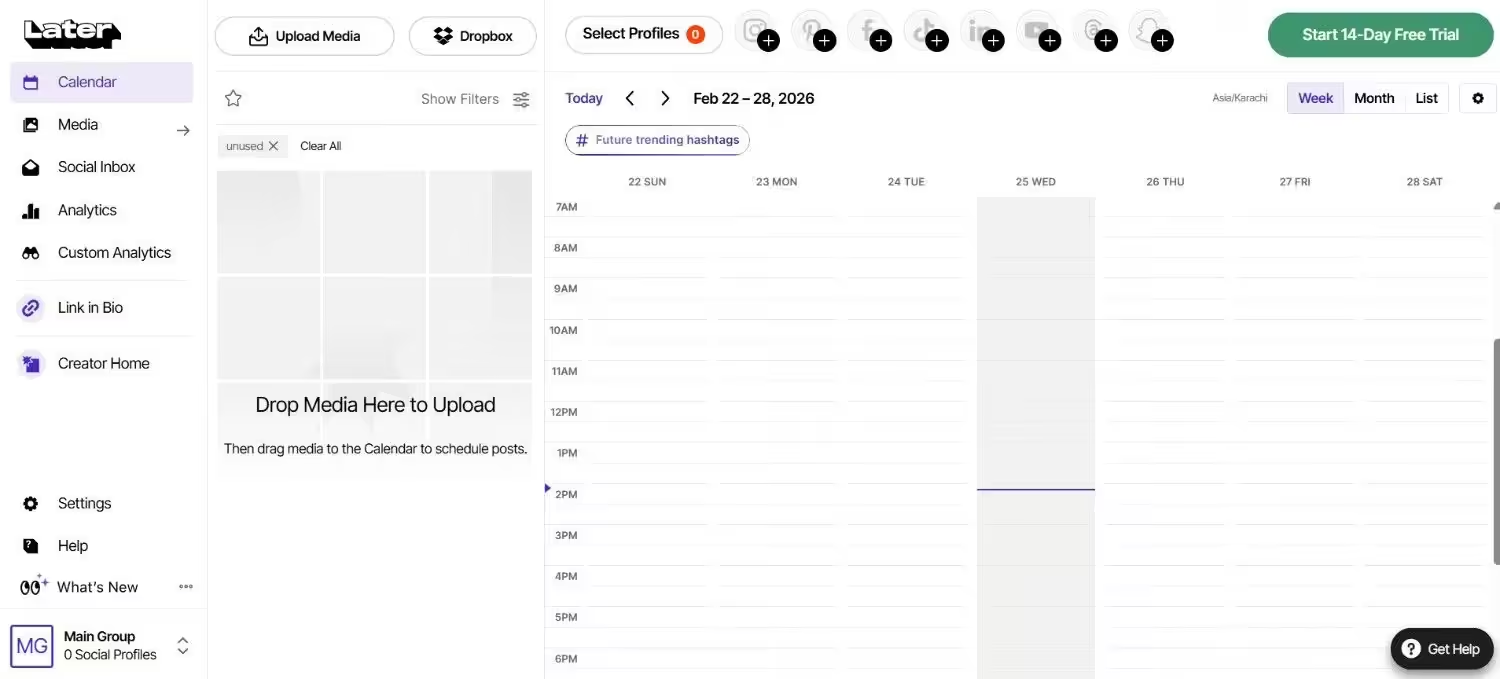
Later approaches carousel posts from the scheduling and visual planning side of the equation. Its visual content calendar lets teams see what their feed will actually look like with scheduled carousel posts in place, a capability that sounds minor but prevents the jarring aesthetic inconsistencies that undermine brand perception on Instagram.
For brands that care about feed coherence and are on Instagram, first impressions are still formed by the grid. Later's drag-and-drop visual planner is a genuine strategic advantage. The platform's analytics layer adds the optimization dimension: understanding which carousel formats drive the most saves, which posting times generate peak engagement, and how carousel performance compares to other formats in your content mix.
Where Later falls short is on the creation side. It’s not a design tool, which means carousel slides still need to be produced elsewhere before being brought into the platform. For teams already using Canva or a similar design tool, this is manageable. For those looking to minimize tool-switching, it adds a step.
ContentStudio: Pipeline Management for Carousel-Heavy Teams
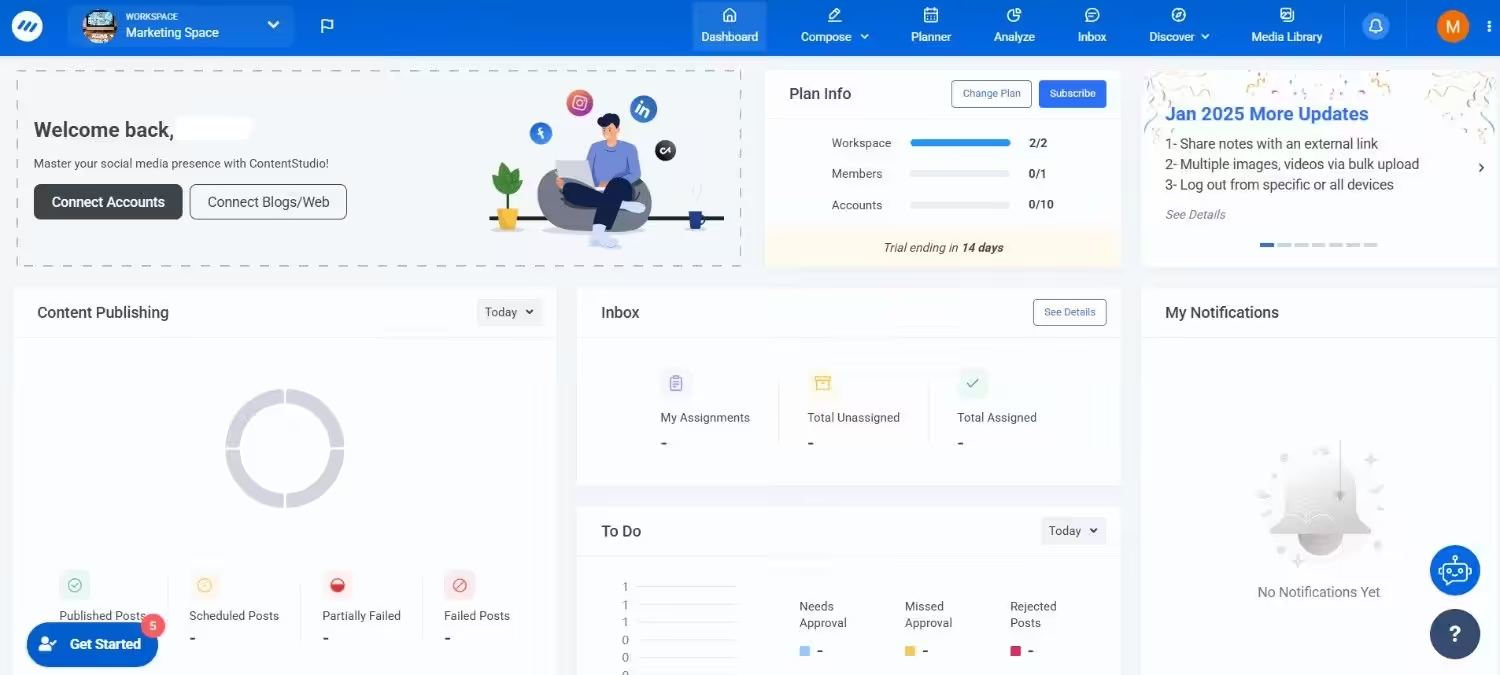
ContentStudio shines when the challenge is not creating a single carousel but orchestrating a consistent carousel publishing operation across multiple platforms, team members, and content categories.
The structured workflow, draft, review, approve, schedule, publish, analyze is particularly valuable for carousel posts because carousels demand more careful review than single-image posts. A ten-slide carousel with copy on every slide needs a second set of eyes, and ContentStudio makes that review process explicit rather than informal.
The multi-platform management capabilities also matter here: carousel posts behave differently on Instagram, LinkedIn, and TikTok, and ContentStudio lets teams manage platform-specific adaptations within a unified pipeline.
Best suited for: Mid-size content teams publishing carousel posts regularly across three or more platforms, where coordination overhead is a real productivity drain.
Choosing Your Stack: It Depends on Where You Are
The right tool combination depends on your team's size, publishing volume, and where the most friction currently lives in your carousel workflow:
Solo creators and small teams → Social Champ covers the full workflow — design through its Canva integration, AI-generated captions and visuals, scheduling, and analytics — without requiring multiple subscriptions.
Design-focused teams → Canva for creation paired with Later for visual planning and scheduling gives strong control over both aesthetics and distribution.
Scaling content operations → ContentStudio adds the pipeline management and approval workflows that prevent quality inconsistencies as publishing volume grows.
Repurposing-heavy strategies → PostNitro's AI-native generation turns existing content into carousel posts at a speed that manual creation cannot match.
The Bottom Line
Carousel posts reward investment — in design quality, narrative structure, publishing consistency, and performance-driven refinement. The tools you choose should make that investment sustainable rather than exhausting. The format is not going away; if anything, every major platform is trending toward richer, more interactive content experiences, and carousel posts remain the most accessible version of that trend.
The creators and teams who will define excellent carousel content in the coming years are those who treat it as a core content discipline — one that deserves strategic tooling, consistent execution, and continuous improvement. The tools exist. The question is whether the commitment behind them matches.
🔥 Limited Time Deal
NewGet lifetime access to Postunreel with a one-time payment. Never pay again!
Your Go-To Solution for Stunning Carousels using AI!
Postunreel is a free AI carousel generator tool that helps you design captivating carousel posts for LinkedIn, Instagram, and other platforms. It makes it easier to increase social media engagement and grow your audience.
Create Free Carousel Now 🚀Related Blogs
How to Split Screen on Mac: The Fast, No-Nonsense Guide (2026)
Learn how to split screen on Mac with Split View, window tiling and shortcuts. Step-by-step guide plus fixes when it won’t work.
How to Use Excel Pivot Table: Step by Step (2026)
Learn how to use Excel pivot table in 5 easy steps. Prep data, summarize, group, add slicers and refresh. Start building smarter reports today.
Detect Language to English: A Practical Guide With Free Tools (2026)
Detect language to English with translation in 5 steps. Compare Google, Azure and DeepL, avoid common errors, and pick the right tool for you now.