Detect Language to English: A Practical Guide With Free Tools (2026)
Detect language to English with translation in 5 steps. Compare Google, Azure and DeepL, avoid common errors, and pick the right tool for you now.
To detect language to English, paste your text into a translator that detects the source language automatically, or send it to a language detection API. Check the confidence score, set English as the target, translate, and proofread the result. Wrong guesses mostly come from very short text, mixed languages and closely related languages, so give the tool a longer sample or pick the source language yourself.
That is the whole idea. The rest of this guide shows you how to do it well, which tools to trust, and where things go wrong.
What Does "Detect Language to English" Actually Mean?
You have a message, a comment or a document in a language you cannot read. You want two jobs done in one go: work out which language it is, then get a clean English version. Search intent for this phrase is exactly that pairing, and pages ranking for it also cover speech, meetings and video, not just typed text.
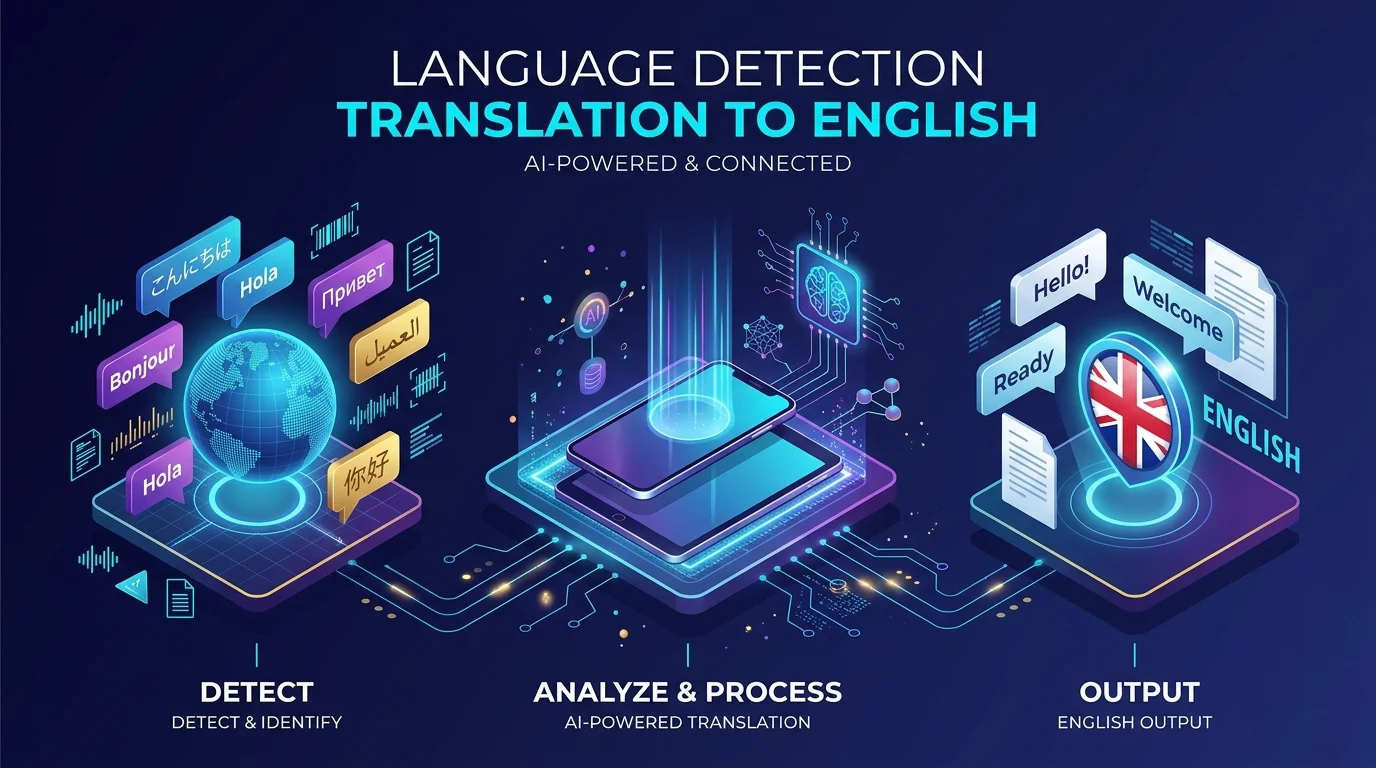
Under the hood, the first job is called language identification, often shortened to LID. It means deciding which natural language a piece of content is written in. The second job is machine translation. Most modern tools chain the two together, which is why you can paste text, choose English and get an answer without ever naming the source language.
Here is the full pipeline in plain words:
You supply text, audio or a document.
The tool guesses the source language.
It translates into English.
You review the result before you rely on it.
How Does Automatic Language Detection Work?
You do not need a research background to use these tools, but a little knowledge explains every odd result you will ever see. Detectors compare your text against patterns learned from huge collections of text in known languages. Think of recognising a friend's handwriting. You do not read each letter, you spot the style.
The classic method uses character n grams, which are short runs of letters. A well known survey of automatic language identification in texts traces how researchers have used these frequency patterns for decades. Newer tools go further:
fastText offers pretrained models that recognise 176 languages. The full model is 126MB and the compressed version is 917kB.
langdetect is a Python port of Google's language detection library and supports 55 languages out of the box.
CLD3 is Google's neural network based detector.
Different engines, same goal. If you want to understand the wider field, my list of NLP and prompt engineering courses is a good next step.
Step by Step: How to Detect a Language and Translate It to English
Most guides rush this part, so let me slow down and give you a process you can repeat every time. Follow the order below and you will avoid the most common mistakes. I have split it into an everyday route for people who just want an answer, and a developer route for anyone processing messages at scale.
The Everyday Route (No Code)
Clean your text. Remove menus, emojis and stray code so the tool sees only the message.
Paste it into a translator with automatic source detection.
Look at the detected language. If it looks wrong, choose the source language manually.
Set English as the target language.
Translate, then read the English output carefully, especially names, dates and numbers.
For anything important, such as contracts or medical details, ask a human reviewer to check the translation.
The Developer Route (API or Library)
If you are processing customer messages or a spreadsheet, code beats clicking. You send the text to a detection endpoint, read back a language code and a confidence value, and only translate when the score is high enough.
The Google Cloud Translation detection guide shows how to send a string and read the language code and confidence from the response. Microsoft's Translator detect reference says detection works better with longer input, and returns a score between zero and one plus a list of alternative languages.
If you use langdetect, remember the project documentation warns that results can vary between runs on short or ambiguous text. Setting the detector seed to zero before your first call keeps results consistent.
What About Speech and Video?
Audio adds one more step. First the speech has to be turned into text, then the language is identified, then the text is translated. If your source is a recording, a good AI video transcriber saves you hours, and an AI video translator can handle dubbing and subtitles in one place.
Language Detection Tools Compared (October 2026)
You asked for a comparison, so here it is. I filled this table only from official documentation and project pages. Prices and limits change often, so check the vendor page before you commit.
Tool | Type | What you get back | Free allowance | Good to know |
|---|---|---|---|---|
Google Cloud Translation (Advanced) | Cloud API | Language code and confidence | First 500,000 characters per month, applied as a $10 credit | Over that, $20 per million characters |
Azure AI Translator | Cloud API | Language, score and alternatives | 2 million characters per month on the free F0 tier | Detection works better with longer text |
DeepL API | Cloud API | Detected source language during translation | DeepL API Free allows 500,000 characters per month | Dedicated detect endpoint is in beta and needs opt in |
fastText lid.176 | Open model | Language label with probability | Free, CC BY SA 3.0 licence | 176 languages, 126MB or 917kB compressed |
langdetect | Python library | Language and probability | Free | 55 languages, set a seed for stable results |
CLD3 | Neural network library | Language prediction | Free, Apache 2.0 licence | Built by Google, used inside Chromium |
Sources for each row are listed in the references section at the end. Pricing for Google and Azure comes from their own pricing pages and may have changed since this update.
How Accurate Is Language Detection? What My Small Test Showed
Official docs tell you what a tool can do. I wanted to see what happens in practice, so I ran a small test. I used py3langid, a Python 3 fork of the langid library, on 15 short strings (single words and brief phrases) and 15 full sentences across nine languages: Spanish, French, German, Italian, Portuguese, Turkish, Swedish, Polish and Dutch.
The results were clear:
Short strings: 11 of 15 correct, about 73 percent.
Full sentences: 15 of 15 correct, 100 percent.
The misses on short text were funny but instructive. The Spanish word "hola" was read as Zulu, the French word "merci" as Polish, the German word "danke" as Dutch, and the Portuguese phrase "Bom dia" as Nigerian Pidgin.
Please treat this as a quick experiment, not a benchmark. It used one library and only 30 strings, and I could not install langdetect in my test environment, so it is not included. Still, the pattern matches what vendors say: length matters a lot.
Why Does Language Detection Fail (And How Do You Fix It)?
Detection looks magical until it falls on its face. Knowing why saves you from sending a confident but wrong translation to a client. There are four main causes, and each has a simple fix.
Very Short Text
Researchers studying identification of strings of only 5 to 21 characters describe it as a real challenge. DeepL's own guidance agrees: its language detection best practices say single words can lead to wrong detection and recommend setting the source language whenever you can.
The fix: send longer samples, or set the source language yourself.
Mixed Languages (Code Switching)
People often mix languages in one sentence. The EACL 2024 paper Code Switched Language Identification is Harder Than You Think reports that no current approach is adequate for this task.
The fix: split mixed text into separate chunks before you detect.
Noisy and Informal Writing
The DIVERS Bench study finds that accuracy drops sharply on slang, typos and informal text, even for systems that score well on clean datasets.
The fix: clean the text first, and expect lower confidence on social media style writing.
Closely Related Languages
Distinguishing neighbours such as Spanish and Portuguese is a known bottleneck, as the overview of language detection points out.
The fix: check the alternatives the tool returns and confirm with a native speaker when it matters.
Which Tool Should You Choose?
Let me be direct about this. If you only translate a few messages a week, a free web translator with automatic detection is enough. If you handle real volume, a cloud API gives you confidence scores, consistent results and support. That is where a paid or metered tool starts to earn its place.
Here is how I would match tools to needs:
Light personal use: a free web translator with automatic detection.
Developers on Google Cloud: the Translation API, since the free monthly credit covers small projects.
Teams already on Microsoft: Azure AI Translator, with 2 million free characters a month on the F0 tier.
Writing quality focus: DeepL, but set the source language when you can.
Offline or privacy sensitive work: fastText or langdetect running on your own machine.
Support teams get the biggest payoff. If your inbox fills with messages in many languages, pairing detection with AI customer support automation lets you route and answer them faster. And if you simply want to understand a language rather than translate it, take a look at the best language learning apps.
My advice: pick one tool from the table today, run it on ten real messages, and note where it struggles. That small test will tell you more than any review.
Frequently Asked Questions
How do I detect a language automatically?
Paste your text into a translator or API that offers automatic source detection. The tool compares your text to patterns from known languages and returns the most likely language, often with a confidence score. Longer text gives more reliable results, so include a full sentence or more whenever possible.
How accurate is language detection on short text?
It is much less reliable. In my small test with one library, single words and short phrases were right about 73 percent of the time, while full sentences were right every time. DeepL also advises setting the source language for single words and very short sentences.
Can language detection handle mixed languages?
Not well yet. Research on code switching reports that no current approach is adequate. Split mixed text into single language chunks before detecting, and review the English output carefully.
Is Google or Azure better for language detection?
Both work well for typical text. Google returns a language code and confidence, and Azure returns a score and alternative languages. Choose based on your existing cloud setup, your volume and current pricing, and test both on your own messages.
Is language detection to English free?
Often, within limits. Google gives the first 500,000 characters each month as a credit, Azure's F0 tier includes 2 million characters a month, and DeepL API Free allows 500,000 characters a month. Libraries such as fastText and langdetect are free to run yourself. Always confirm current limits on the vendor page.
Should I trust the translation without checking it?
No. Machine translation is a strong first draft, not a final answer. Have a person review anything legal, medical or financial.
Final Thoughts: Start Detecting Today
You now know what "detect language to English" means, how detectors think, where they stumble and which tools to try. The process is simple: clean the text, detect, check the confidence, translate and proofread.
Start small. Test one tool on ten real messages, tighten your process, and then scale up with an API that fits your budget. Do that, and language barriers stop being a problem and start being an advantage.
About the Author

Nathan Cole
Nathan Cole is a SaaS writer and AI product reviewer at Postunreel with a sharp focus on evaluating AI-powered tools for content creators, marketers, and growing businesses. He holds a degree in Computer Science and brings over five years of experience writing about software products, productivity tools, and marketing technology. Nathan approaches every review with rigorous hands-on testing, clear comparison frameworks, and an honest perspective that cuts through marketing hype. His goal is to help Postunreel readers make smarter decisions about the tools they invest in so they can build better content workflows without wasting time or money.
🔥 Limited Time Deal
NewGet lifetime access to Postunreel with a one-time payment. Never pay again!
Your Go-To Solution for Stunning Carousels using AI!
Postunreel is a free AI carousel generator tool that helps you design captivating carousel posts for LinkedIn, Instagram, and other platforms. It makes it easier to increase social media engagement and grow your audience.
Create Free Carousel Now 🚀Related Blogs
JPG to PDF Converter: The Complete 2026 Guide to Free, Fast and Safe Conversion
JPG to PDF converter under a minute on Windows, Mac or phone. Compare free tools, keep image quality high and avoid risky uploads. Try it today.
How Technical Infrastructure Impacts Digital Marketing (More Than You Think)
Discover how technical infrastructure impacts digital marketing, from website speed and SEO to email deliverability, AI tools, analytics, and scalability.