Unblocked Games for School: Are They Safe? Best Alternatives for 2026
Are unblocked games for school safe? Learn the real risks of proxy sites and VPNs, plus school approved games you can play on your Chromebook.

Unblocked games for school are browser games that load on a school Chromebook by getting around a web filter. Many sit on mirror or proxy pages that carry malware risk and break school rules. The safe route is school approved educational games, which you can ask your teacher to clear.
What Are Unblocked Games, Really?
You've searched for them. I have too. A long Tuesday needs a break.
Here's the catch. "Unblocked" rarely means "approved." It usually means a copy of a game hosted somewhere your content filter hasn't caught yet.
That's a big difference. One is a game your IT department knows about. The other is a gamble with your device.
Unblocked games 66, 77 and similar sites
You'll see names like "unblocked games 66" everywhere. Most are aggregator pages packed with HTML5 games and ads. Some are harmless. Plenty aren't. Nobody at school has vetted them, and that's exactly why filters keep flagging them.
Why Do Schools Block Games?
Schools aren't out to ruin your day. Honestly.
U.S. schools that take E-Rate funding must follow the Children's Internet Protection Act, and the FCC explains it plainly. That means filtering plus an acceptable use policy.
How school web filters work
Tools like GoGuardian protect over 15 million students across 10,000+ schools. Securly covers 8.6 million+. They block unsafe pages, cut distractions, and protect student data.
One more thing. Securly itself says overblocking pushes students to look for workarounds. So your frustration is fair. The fix is asking, not sneaking.
What Are the Risks of Proxy Sites and VPNs?
Let me be blunt, because you deserve straight talk.
The second a game needs a proxy site or VPN to load, it stops being a fun problem and becomes a security problem.
The numbers
Lightspeed's 2026 report says bypass pages now hide on trusted hosts like AWS S3 and Google Sites. It also describes one bypass site that opened a malware page disguised as a VPN download.
Lightspeed also reports that 93% of IT leaders want automated alerts for VPN and proxy use.
A UK provider flagged in January 2026 that free proxies can expose school networks to vulnerabilities.
What you could lose
Phishing popups behind fake "play" buttons
Data privacy leaks through shady ad networks
Disciplinary action, including losing device access
A slower, riskier school network for everyone
One school district warns families directly that proxy sites can carry viruses and threaten student information. So ask yourself: is ten minutes of Snake worth a wiped Chromebook?
Can Games Actually Help You Learn?
Good news. Games aren't the enemy.
A Vanderbilt led study covering more than 1,000 students found that educational games improved results and student engagement. It's from 2017, but a 2023 study in Spain with 277 high school students also found benefits from game based learning for engagement and classroom climate.
Breaks help too, though the evidence is mixed. The CDC's review of 50 studies found about half of the links between school physical activity and academic performance were positive. The rest showed no relationship. So short brain breaks probably won't hurt, and they may help.
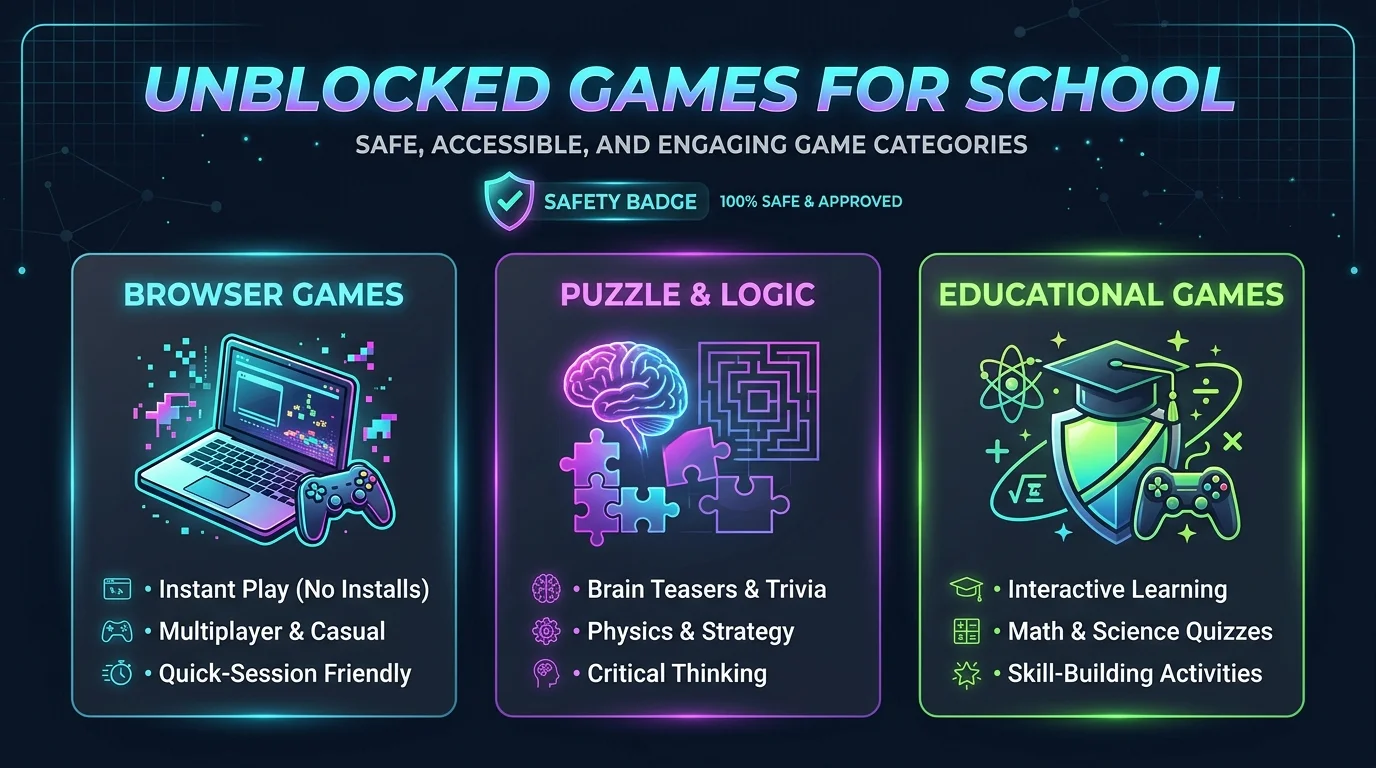
Which School Approved Games Can You Play?
Here's a quick comparison of popular options. Always check with your school first, because filters differ by district.
Site | Best for | Game types | Note |
|---|---|---|---|
Cool Math Games | Teens and older kids | Logic, math, puzzles | Brain training focus |
ABCya | Preschool to grade 6 | Math, reading, typing | Some games need a teacher login |
PBS Kids Games | Younger kids | Science, math, reading | 250+ games, built around PBS shows |
Hooda Math | Elementary and middle | Math and logic | Educational games |
TypingClub | All ages | Typing games | Builds keyboard skills |
Want more ideas? Here are a few related guides:
Math games: Hit the Button is a quick way to sharpen mental maths.
Word games: Spellie, a Wordle style game for kids builds spelling skills.
Typing games: Ratatype's free typing tutor is a solid practice option.
Interactive play: Neal.fun's interactive games and experiments are fun to explore.
How to Play Games at School Safely, Step by Step
Ready for the good part? Here's your plan.
Ask first. Your teacher or librarian knows which sites are school approved. It takes thirty seconds.
Start with the table above. Those are the teacher approved picks most schools tolerate.
Check the address. Skip random mirror links and anything asking you to install an extension.
Time it right. Save games for a study break, never mid lesson.
Request a whitelist. If a game is truly educational, suggest it so your IT team can review it. That's how good sites get cleared.
Frequently Asked Questions
Are unblocked games safe?
Not always. Many sit on unvetted mirror pages with ads and malware risk. Stick to school approved sites.
Why are games blocked at school?
Federal rules, network security, data privacy, and classroom focus. Filters like GoGuardian and Securly enforce them.
Can I get in trouble for playing them?
Yes. Using a proxy or VPN to bypass filters can break your acceptable use policy and lead to lost device privileges.
What are the best games to play on a school Chromebook?
Try puzzle games, math games, word games, and typing games from the table above.
Is a VPN allowed on a school Chromebook?
Usually not. Most districts' policies ban VPNs and proxies, and filters increasingly detect them.
Your Next Move
Here's what I'd do in your shoes.
Skip the sketchy mirrors. Pick one school approved site from the table, ask your teacher about it tomorrow, and play without looking over your shoulder. You'll protect your device, keep your privileges, and still get your break.
I'm confident you'll enjoy it more. Honestly, a game you don't have to hide is just more fun.
About the Author

Nathan Cole
Nathan Cole is a SaaS writer and AI product reviewer at Postunreel with a sharp focus on evaluating AI-powered tools for content creators, marketers, and growing businesses. He holds a degree in Computer Science and brings over five years of experience writing about software products, productivity tools, and marketing technology. Nathan approaches every review with rigorous hands-on testing, clear comparison frameworks, and an honest perspective that cuts through marketing hype. His goal is to help Postunreel readers make smarter decisions about the tools they invest in so they can build better content workflows without wasting time or money.
🔥 Limited Time Deal
NewGet lifetime access to Postunreel with a one-time payment. Never pay again!
Your Go-To Solution for Stunning Carousels using AI!
Postunreel is a free AI carousel generator tool that helps you design captivating carousel posts for LinkedIn, Instagram, and other platforms. It makes it easier to increase social media engagement and grow your audience.
Create Free Carousel Now 🚀Related Blogs
How to Update NVIDIA Drivers on Windows and Ubuntu: Step by Step Guide for 2026
Learn how to update NVIDIA drivers using the NVIDIA App, a manual download, or Ubuntu. Includes rollback fixes and a method comparison table for 2026.
iOS 26 New Features: The Complete Guide (2026)
Discover every iOS 26 new feature, from Liquid Glass to Live Translation and Call Screening. See compatible iPhones and if you should upgrade today.