How to Create High-Quality AI Product Photos That Drive More Sales
Learn how to create high-quality AI product photos that improve ecommerce visuals, build trust, and help drive more sales across channels.
Great product photos do more than make an online store look polished. They build trust, stop the scroll, and help people imagine owning what they see. For online shopping, product photos matter a lot. Shoppers cannot hold the product in their hands, so visuals do the heavy lifting.
That is why more brands are turning to AI. Today, creating sharp, attractive product images no longer requires a full studio, expensive gear, or endless editing time. With the right AI workflow, even small brands can produce professional-looking visuals that support clicks and conversions.
Why Product Photos Have a Direct Impact on Sales
Most online purchases begin with a visual impression. Before shoppers read the description or compare prices, they look at the image.
A weak photo creates doubt while a strong photo creates desire.
That difference can affect:
Click-through rate from search or social
Time spent on product pages
Perceived product quality
Trust in the brand
Conversion rate
In simple terms, better visuals often lead to better sales performance. Clean lighting, clear angles, realistic colors, and polished presentation all help customers feel more confident about buying.
The good news is that AI now makes this much easier to achieve.
Start With the Right Product Image
To begin with, you need a decent starting point. If your original image is blurry, poorly lit, or cluttered, the final result will still struggle.
To get better output, start with:
A sharp photo of the product
Neutral or simple lighting
A clear view of the item
Minimal distractions in the background
Accurate product color
Clean Up Product Images Before AI Enhancement
Even when you start with a good product photo, it is common to have small imperfections that affect the final output. These can include background distractions, unwanted objects, reflections, dust, or visual noise that reduces the perceived quality of the product.
Before applying any AI enhancement or generating new visuals, many brands first focus on cleaning up their original images.
This step is important because AI tools tend to amplify whatever is already present in the source image. If the input is messy, the final result may still look unpolished even after enhancement.
To solve this, sellers often use tools like ObjectRemover to remove unwanted objects while keeping the product itself untouched. This helps create a clean and focused base image that is ready for further AI processing.
This stage is especially useful when working with:
- Raw product photos taken outside of studio environments
- Images with distracting backgrounds or objects
- User-generated content that needs refinement
- Product catalogs requiring consistent visual quality
By adding a cleanup step before AI enhancement, brands can significantly improve the accuracy, realism, and overall quality of their final product images.
Once the image is clean and distraction-free, it becomes much easier for AI product photo tools to generate professional-looking visuals with better lighting, compo
Think of AI as an enhancer, not a miracle worker. The cleaner your source image, the more professional your final product photo will look.
If possible, shoot several angles. Front view, side view, close-up detail, and in-use shots all help create a stronger product gallery.
Use an AI Product Photo Maker to Improve Quality Fast
A good AI product photo maker can save time while dramatically improving visual quality. Instead of manually editing every shadow, background, and reflection, you can use AI to streamline the process.
These tools can help you:
Remove messy backgrounds
Replace plain backdrops with studio-style settings
Improve lighting and sharpness
Generate lifestyle scenes
Create consistent product image sets
Resize visuals for different platforms
This is especially useful for small ecommerce teams, solo sellers, and growing brands that need professional results without a huge production budget.
Some tools, such as Pollo AI, can be useful for creators who want to generate polished visuals quickly and repurpose them into broader content workflows. A simple product image can become a cleaner listing photo, a social asset, or part of a short branded video concept without requiring complicated editing skills.
Focus on Backgrounds That Support the Product
One of the fastest ways to improve product photography is to clean up the background.
A cluttered or distracting background pulls attention away from the item. A clean background helps the product stand out and look more premium.
Depending on your brand, AI can help you create:
Pure white ecommerce backgrounds
Soft neutral studio setups
Minimal luxury scenes
Seasonal lifestyle environments
Contextual product-use settings
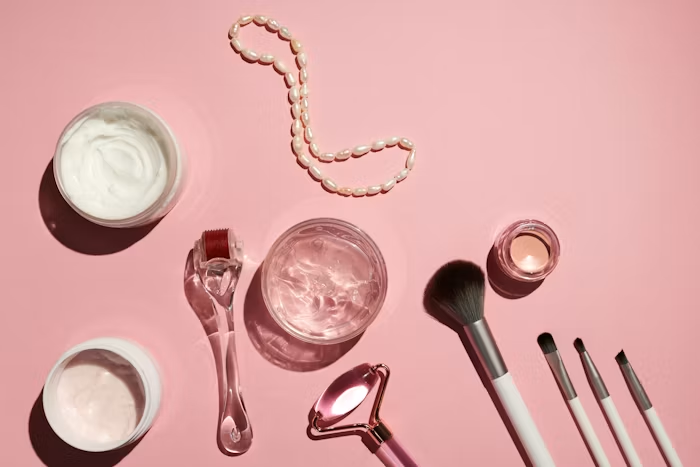
The key is to match the background to the product and the customer. A skincare bottle may work well in a bright spa-like scene. A tech gadget may look better in a sleek modern setup. A handmade gift item may benefit from a warm lifestyle background.
Good AI editing should make the scene feel intentional, not artificial.
Keep Images Realistic and Consistent
This is where many sellers go wrong. They use AI to create flashy visuals that look impressive at first glance but do not reflect the real product.
That can hurt trust and increase returns.
To drive more sales, your AI-enhanced product photos should still feel honest. The shape, texture, size, and color of the product need to stay accurate. If the image overpromises, the customer experience suffers.
Consistency matters too. Your product page should not look like every image came from a different brand.
Try to keep these elements aligned:
Lighting style
Background tone
Image framing
Shadow direction
Color accuracy
Overall brand mood
When your visuals look consistent, your store feels more credible and professional.
Create Lifestyle Images That Help Customers Imagine Ownership
Studio shots are important, but lifestyle images often help close the sale.
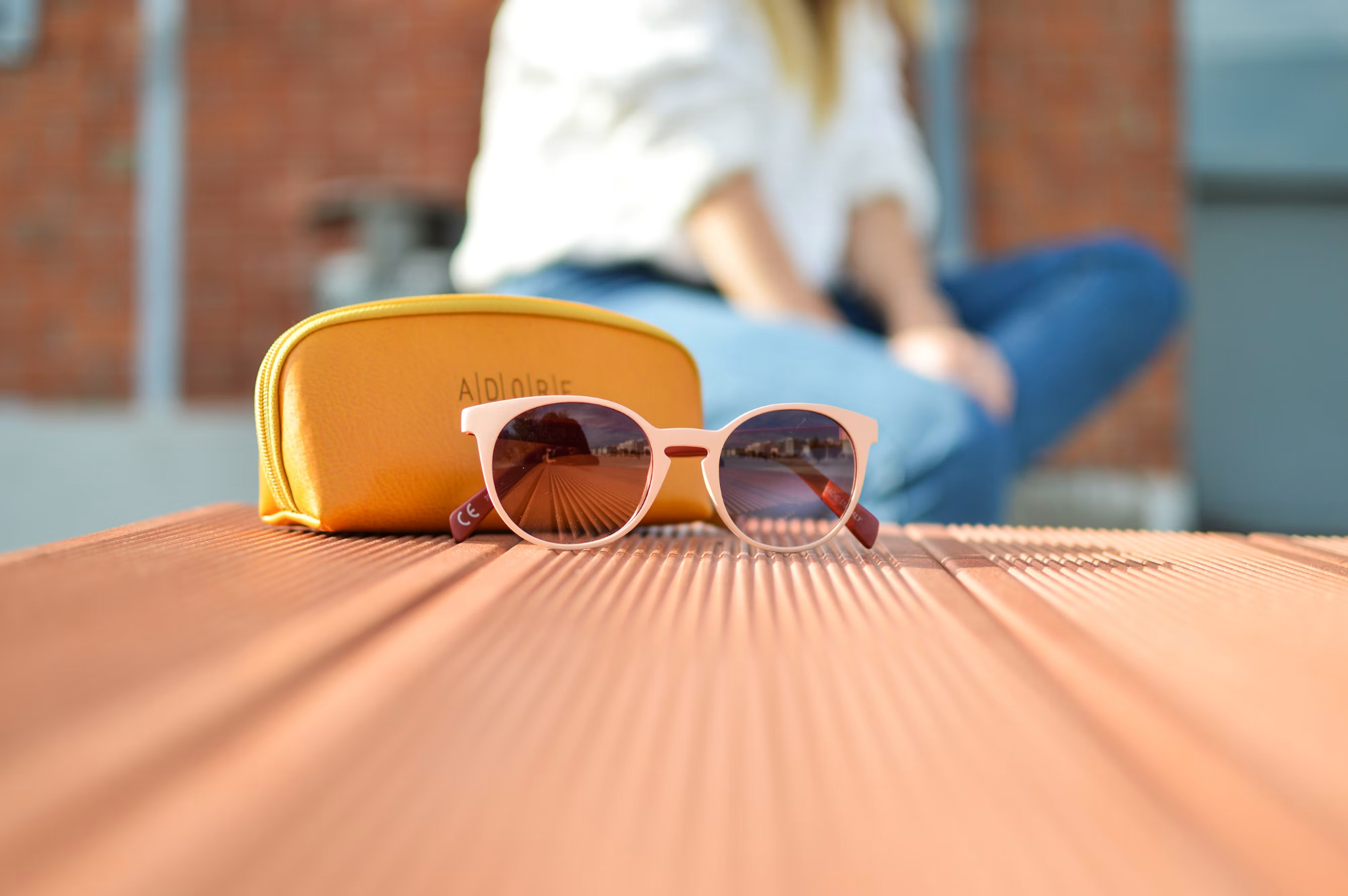
People want to see how a product fits into real life. They want context. They want to imagine using it, wearing it, displaying it, or gifting it.
AI can make lifestyle content much easier to produce. Instead of arranging expensive shoots, you can use AI to place products in realistic environments that fit your target audience.
For example:
A coffee mug on a cozy breakfast table
A handbag in a clean fashion setting
A candle on a styled home shelf
A fitness product in an active lifestyle scene
These visuals do more than show the item. They tell a story. And story is what helps people move from interest to purchase.
Optimize Product Photos for Different Channels
A product image that works on an ecommerce page may not work the same way on Instagram, Pinterest, or paid ads.
That is why smart brands create variations.
Use AI to adapt your visuals for:
Online store product pages
Social media posts
Marketplace listings
Display ads
Mobile-first content
This kind of repurposing increases the value of every image you create.
Test What Actually Converts
Beautiful images are great, but performance matters more.
Do not assume the most artistic image is the one that sells best. Test different styles and see what your audience responds to.
You can compare:
White background vs. lifestyle background
Close-up detail vs. full product shot
Minimal style vs. colorful scene
Static image vs. motion-based creative
Single product view vs. multi-angle collage
AI makes this kind of testing much faster. Instead of producing every variation manually, you can generate multiple options and learn from real customer behavior.
That is how better visuals turn into better sales strategy.
Final Thoughts
Creating strong product photos is no longer limited to brands with big budgets and studio teams. With the right process, AI can help almost any business produce clean, attractive, high-converting visuals. A reliable AI product photo maker can improve quality, speed up production, and make it easier to build a consistent brand image across channels.
The key is to use AI with intention. Keep the product realistic, the presentation clear, and the customer experience in mind. If you do that well, your images will not just look better. They will work harder.
And in ecommerce, that is what really drives sales.
🔥 Limited Time Deal
NewGet lifetime access to Postunreel with a one-time payment. Never pay again!
Your Go-To Solution for Stunning Carousels using AI!
Postunreel is a free AI carousel generator tool that helps you design captivating carousel posts for LinkedIn, Instagram, and other platforms. It makes it easier to increase social media engagement and grow your audience.
Create Free Carousel Now 🚀Related Blogs
How to Resize an Image on iPhone (2026 Guide)
Resize an Image on iPhone in seconds. Free built in methods, exact pixel dimensions & platform sizes for Instagram, LinkedIn & more.
How to Exit Incognito Mode on iPhone (2026 Guide)
Learn how to exit incognito mode on iPhone in seconds step-by-step for Safari and Chrome, plus fixes for common private browsing glitches.
What is an Email Address? Full Structure Guide
What is an email address? Learn its structure, how it works, and how to validate one clear, no-jargon guide with examples.